Pan Mode & New Utilities
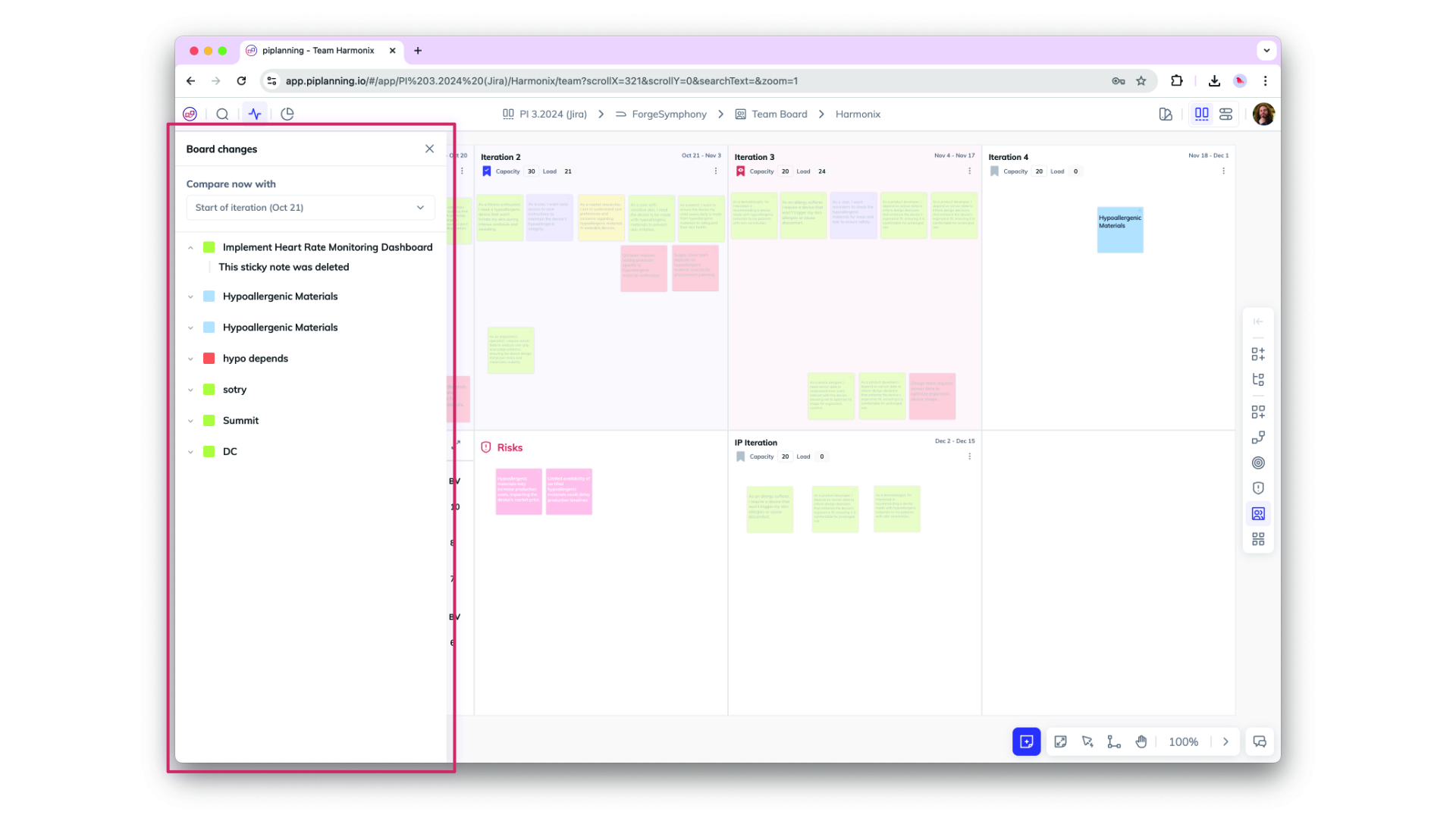
You’ll find the Utilities menu in the lower-right corner, making key board functions like adding sticky notes, scaling, zooming, and the new Pan Mode easier to access. With Pan Mode, effortlessly navigate your board using the hand icon or by holding the spacebar and dragging. Selecting multiple sticky notes is now smoother, too. Plus, the Plan vs. Execution switch is now right next to your profile for quicker toggling.